PreviewImage
Swiper Slide Image
Preview Image

1080P Smart Home Theater Portable Projector - Office Business Outdoor Projector - 4K High Definition Projector

Free delivery upon payment at the time of delivery.

Regular price ₵1280.00 ₵800.00
Unit price  per 

Function Overview

  1. Image Projection: The core function is to project images or videos from connected sources (such as computers, smartphones, streaming devices) onto a large screen or wall, providing a bigger visual experience compared to small screens.
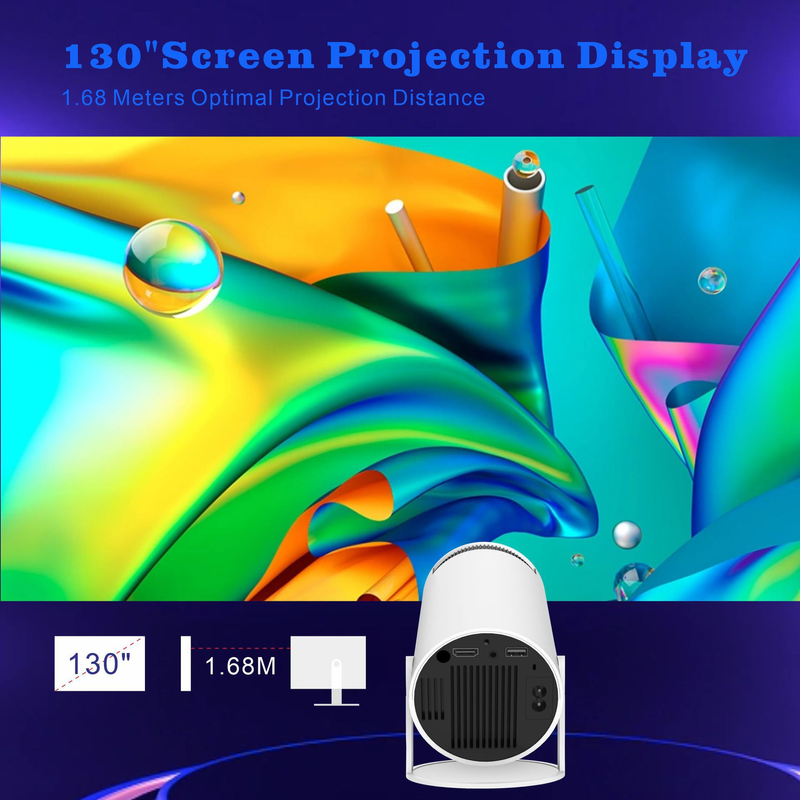
  2. Multiple Inputs Support: Most projectors support various input interfaces like HDMI, USB, VGA, etc. This allows connection to a wide range of devices, from laptops and gaming consoles to USB drives for direct media playback.
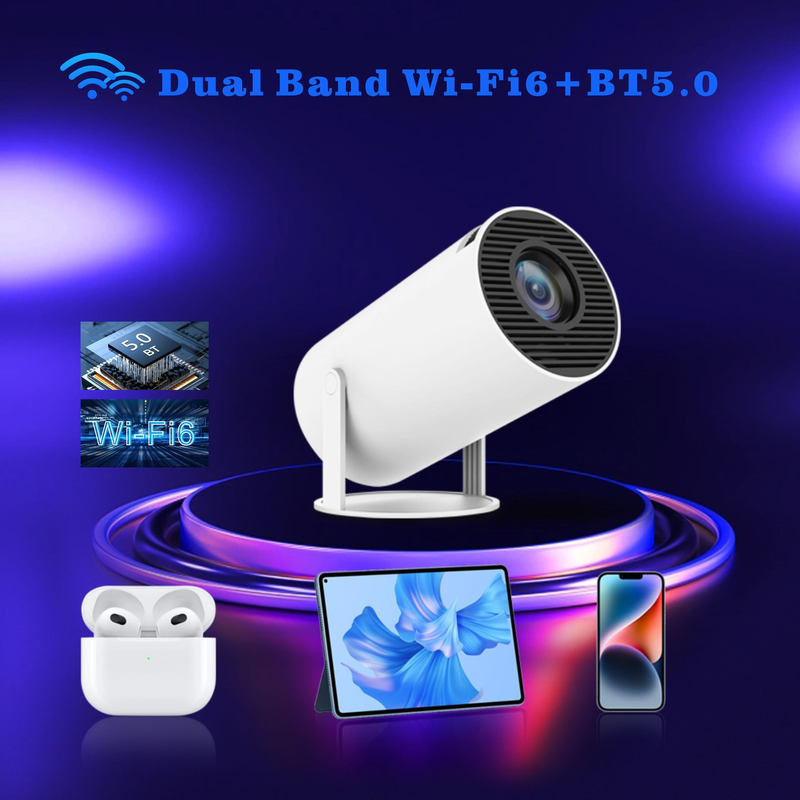
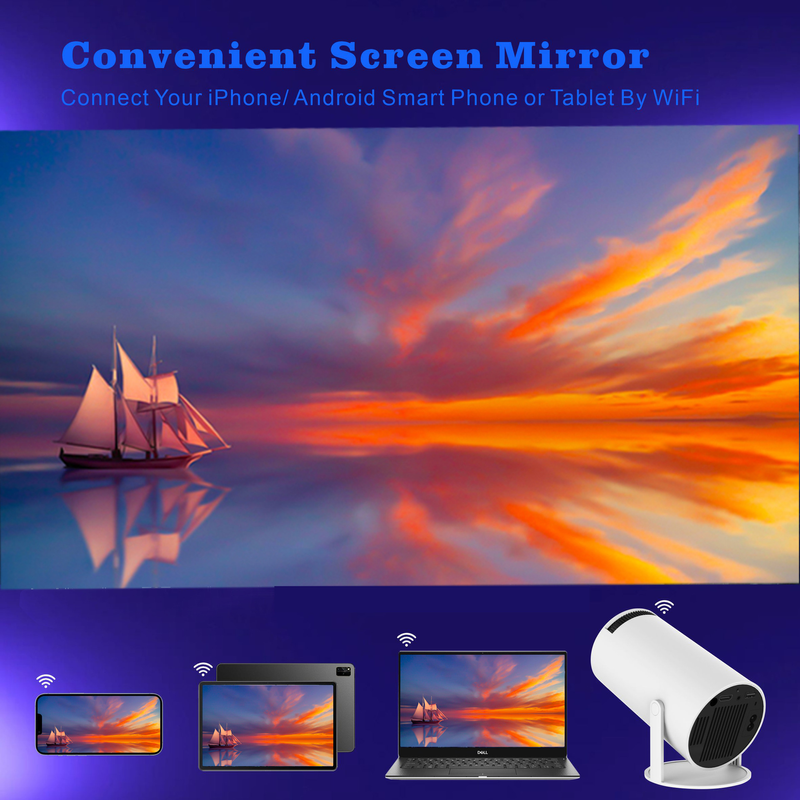
  3. Wireless Connectivity: Many modern projectors offer wireless connection options, such as Wi-Fi or Bluetooth. This enables users to easily project content from their mobile devices (phones, tablets) or laptops without the hassle of cables.
  4. Built-in Speakers: Some projectors come with built-in speakers, eliminating the need for external audio devices for basic audio playback when watching movies or presentations.
  5. Keystone Correction: This feature helps correct the trapezoidal distortion of the image that occurs when the projector is not placed perpendicular to the screen. It ensures the image is rectangular and properly aligned.
  6. 3D Projection: Advanced projectors can support 3D projection, allowing users to enjoy 3D movies or games when paired with compatible 3D content and glasses.
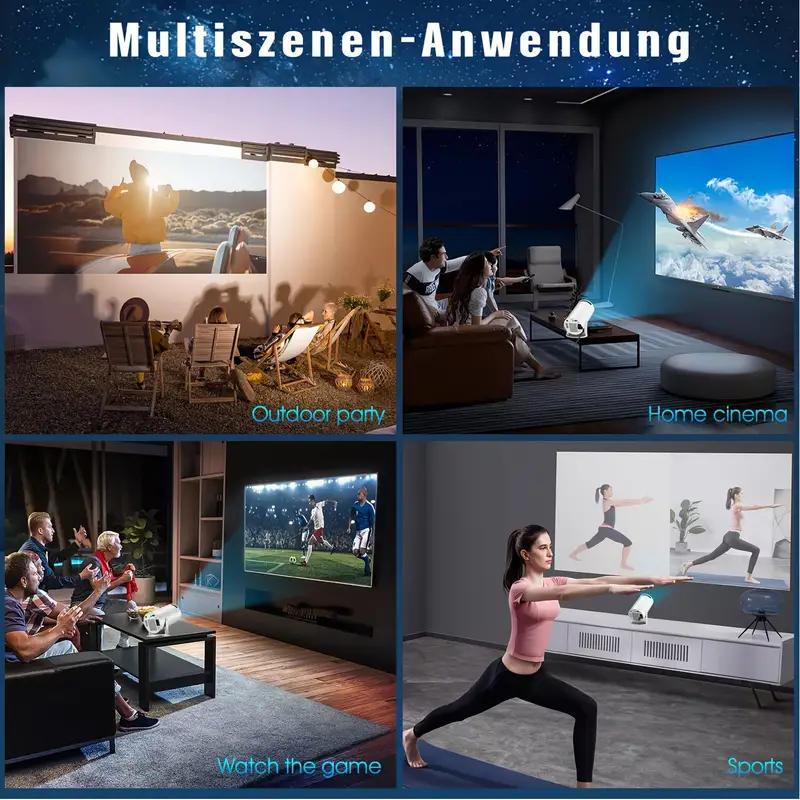
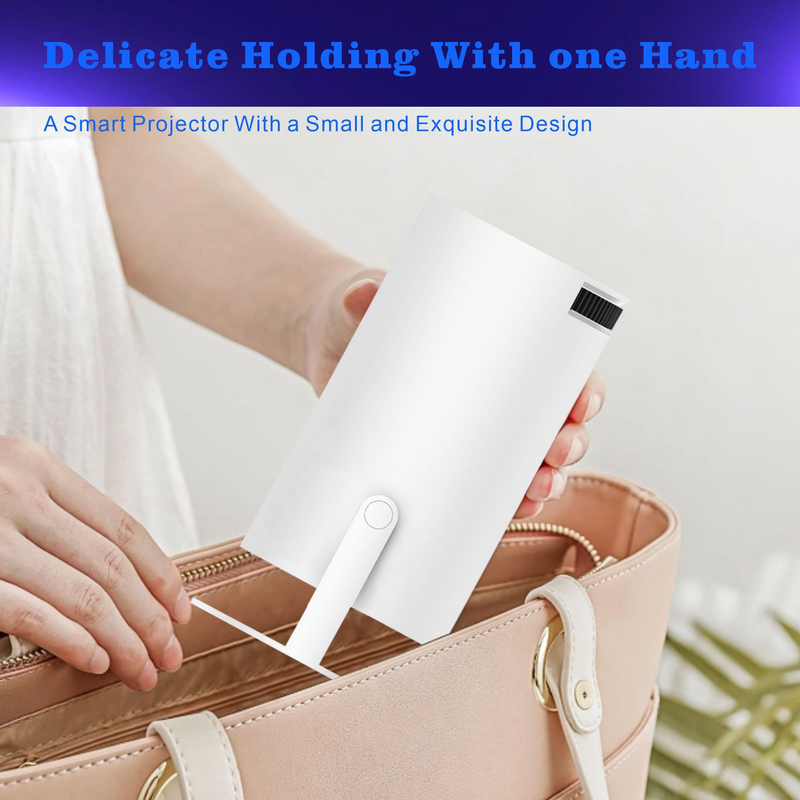
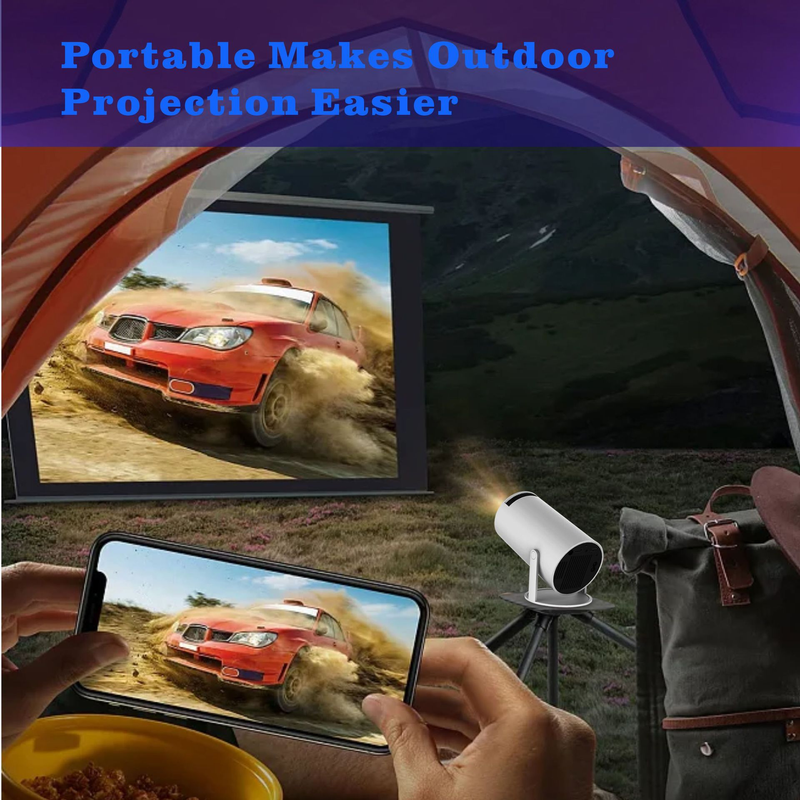
  7. Portability: Mini or portable projectors are designed to be lightweight and easy to carry, making them convenient for use in different locations, like for business trips or outdoor movie nights.
  8. Smart Features: High-end smart projectors may have operating systems (like Android-based systems) with built-in apps, allowing users to stream content directly from platforms like Netflix, YouTube, etc., without needing an external streaming device.

Installation Steps

  1. Choose the Installation Location: Select a suitable place. Ensure the projector has a clear line of sight to the screen or wall. Consider factors like ambient light (less light is better for projection quality) and the distance from the projector to the screen (which affects the image size).
  2. Mount the Projector (if using a mount): If you're using a ceiling or wall mount, follow the mount's instructions to securely attach it to the ceiling or wall. Then, carefully attach the projector to the mount, making sure it's stable.
  3. Connect Cables: Connect the necessary cables. This may include power cables to supply electricity, HDMI cables (or other video cables) to connect to video sources like computers, DVD players, or streaming devices. Ensure all connections are tight and secure.
  4. Adjust the Projector: Turn on the projector. Adjust the position (up, down, left, right) and angle so that the image is centered on the screen or wall. Use the focus ring to make the image clear and sharp. Also, adjust the zoom (if available) to get the desired image size.


@2025,jiana
Power by Shoppaas